

The Way to Dropshipping

[URIS id=9940]
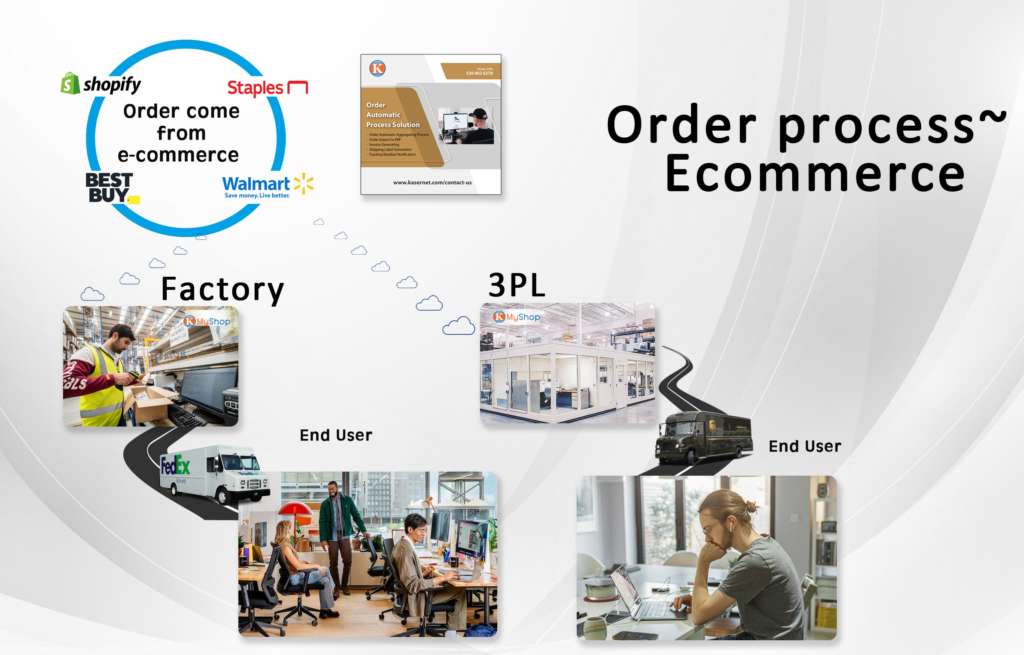
Ecommerce ~ order comes from ecommerce
- Automation fetches the order when it is placed
- Order will send to ERP to get approved
- The shipping label is printed once order is approved, then, it is packed and shipped
- The tracking number will email to customer once it is shipped..
- Inventory is updated
Multi-Channel Integration
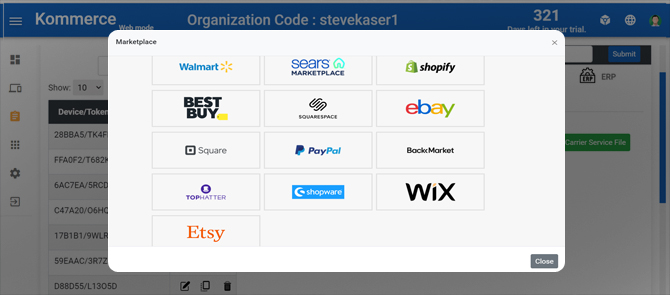
Automation service seamlessly integrates with major e-commerce platforms such as Shopify, Amazon, eBay, and many others, so you can manage all your sales channels in one place.
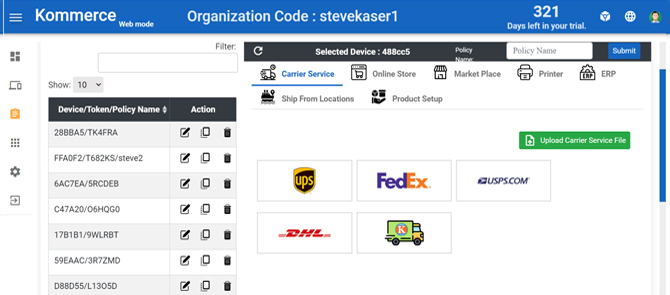
Carrier Shipping Options
Automation service offers access to over many different shipping carriers, including FedEx, UPS, and USPS, DHL so you can choose the best shipping options for your business.
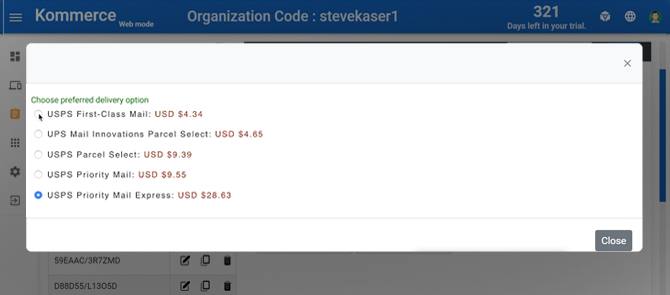
Real-time Shipping Rates
You can access real-time shipping rates for your orders, so you always know how much it will cost to ship an order, even before you process it.
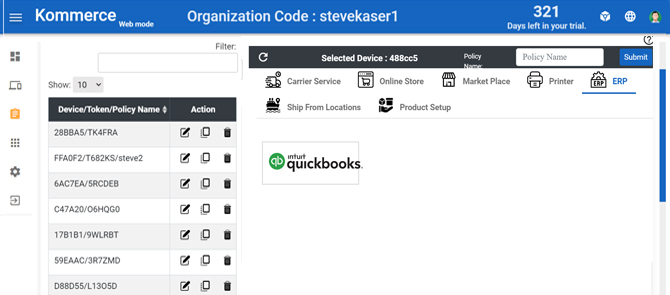
Quickbook integration
The Automation service special work together with Quickbook to optimize the work flow to save the data entry and order approval , release process, help to check any abnormal order prior to releasing it.
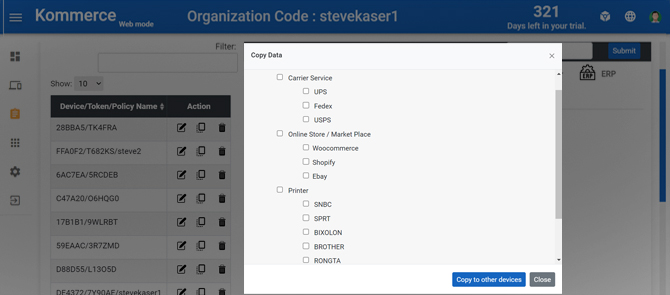
Policy control
Administrator can set up different policy to control the service deliver to variety stations. The policy is to select from carriers, merchants and special assignment.
Label printer integrated
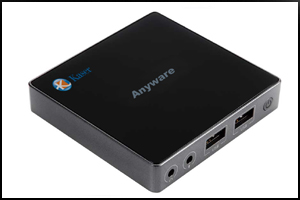
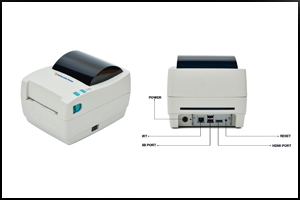
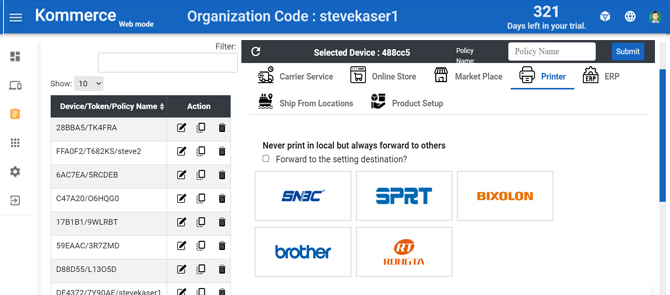
Automation printer integrated the Anyware with automation preloaded into the printer, just attach the keyboard ,mouse, monitor to have full function No PC required.
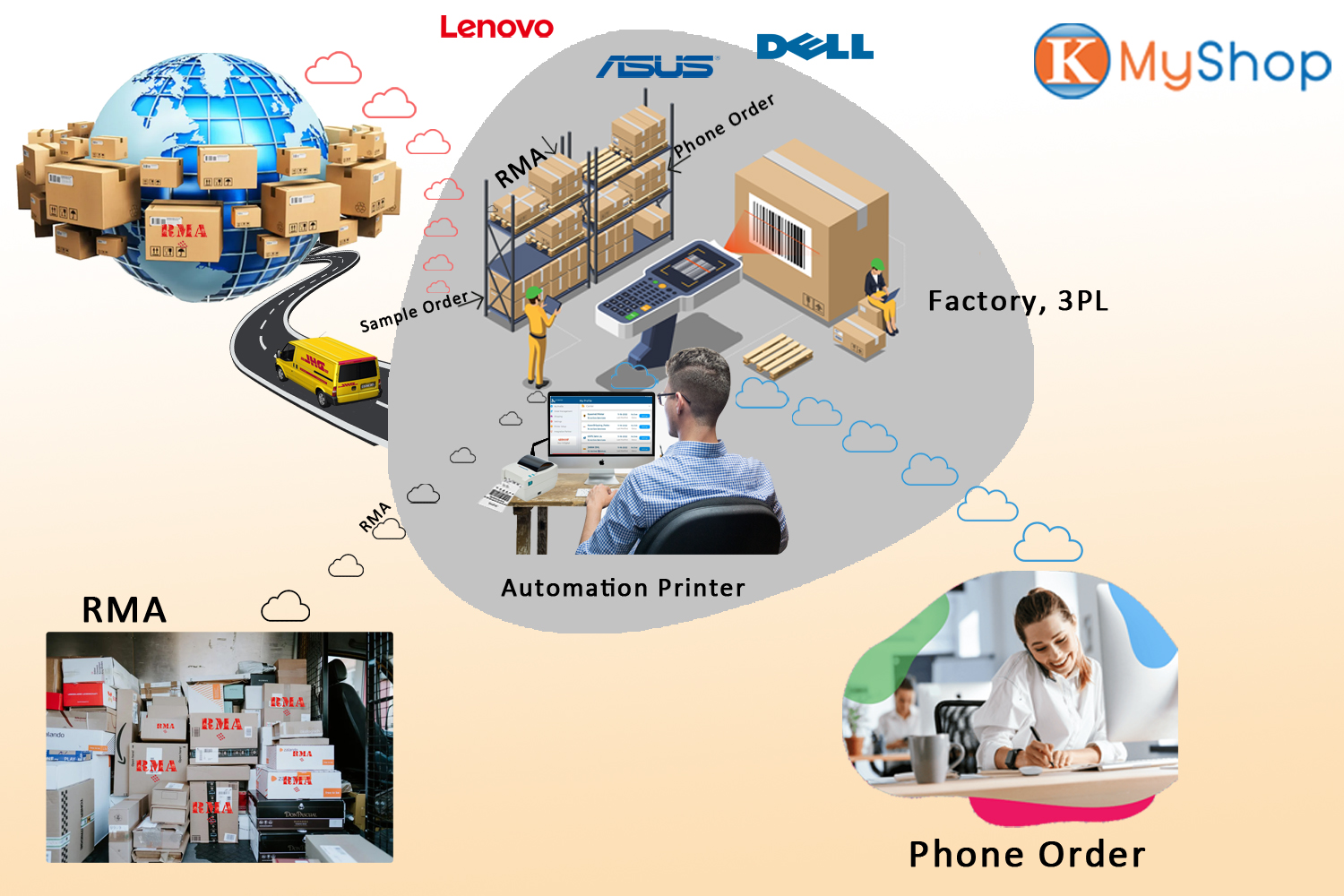
Phone order, RMA return and Sample order
MyShop is particularly useful for businesses that receive orders through multiple sources, such as phone calls, email, social media, or in-person at a physical store. It can streamline the entire process, from order placement to fulfillment, and even handle returns and exchanges. This can save time, improve accuracy, and ultimately enhance the customer experience. By using MyShop, businesses can manage their orders more effectively and focus on other aspects of their business, such as product development and marketing.
Overall, Automation order service is a powerful shipping solution that offers a range of features to help you manage and streamline your order and shipping operations. Whether you’re a small business owner or a large enterprise, Automation service has everything you need to take control of your shipping process and grow your business.

Download your product SKU template now. You can find all SKU numbers that is an important part of the inventory management process.

Uploading the product SKU sample. You should set all SKU numbers, as they are an important part of the inventory management process.

Please download the template and fill them in for your order. Don’t change the column definition to keep them recognized.

Uploading orders, RMA file or need to ship orders to here. These orders will download to Myshop in automation, print order thru there.