
Let’s face it—shipping labels shouldn’t be the hardest part of running an e-com business.
But when your printer throws errors like it’s trying to sabotage you, something’s gotta change.
Enter: AirPrinter.
The all-in-one, no-PC-needed fulfillment powerhouse for sellers who’ve had enough of tech tantrums.
😩 The Problem: Label Printing Shouldn’t Be This Painful
Running a business in 2025 and still dealing with:
✅ Outdated label printers that stall every other job
✅ Needing a desktop just to print an invoice
✅ Tabs on tabs on tabs just to fulfill one order
✅ Constant syncing issues between platforms?
You’re not alone. That’s why we built AirPrinter—to kill the chaos and give you fulfillment freedom.
🔧 What Is AirPrinter?
AirPrinter is a sleek, plug-and-play hardware device with one mission:
Print labels, invoices, product tags, and more—directly from your order system.
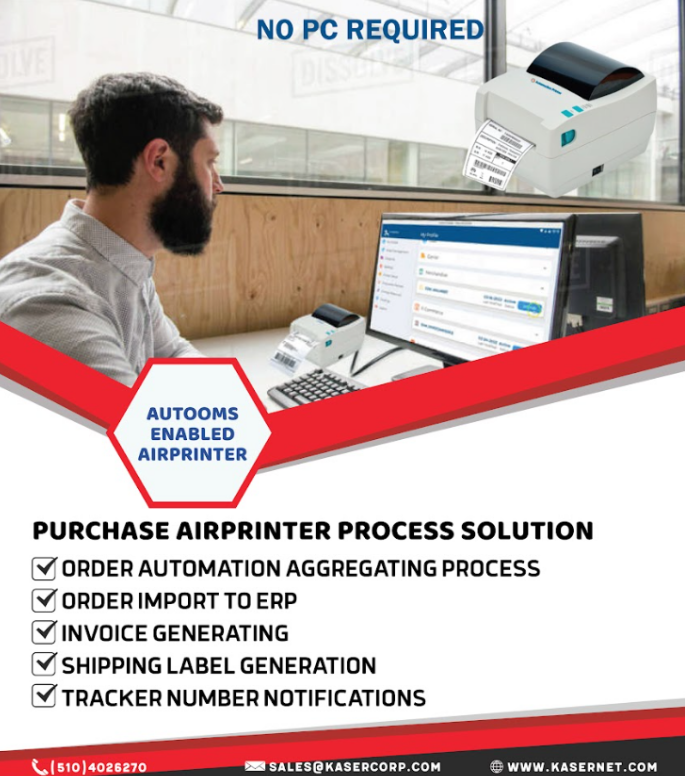
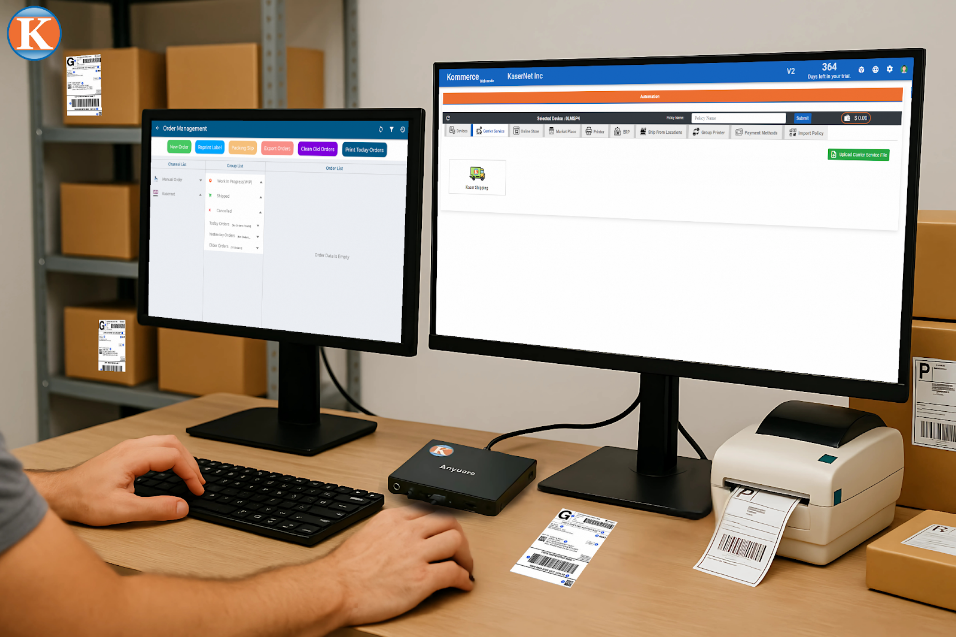
No PC. No headaches. Just plug in a monitor, keyboard, and mouse—and you’ve got:
- 🧠 Built-in AutoOMS
- 📦 Full Support from Kommerce
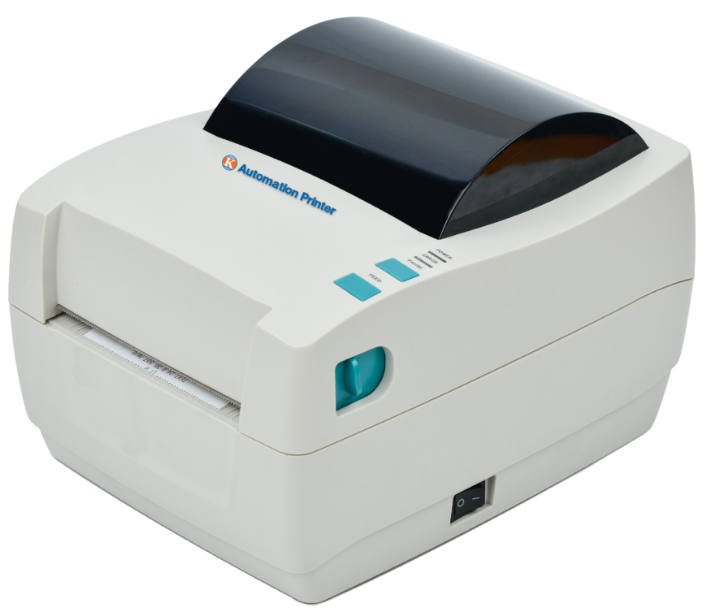
- 🖨️ Label printing built right in
- 🔁 Real-time inventory and order syncing
- 🚛 Multi-carrier support (FedEx, UPS, DHL, USPS, etc.)

It’s the ultimate fulfillment device—preloaded, prepped, and powerful right out of the box.
🔌 Easy Setup
Here’s how to get going:
- Plug in power, monitor, keyboard, and mouse
- Power on AirPrinter
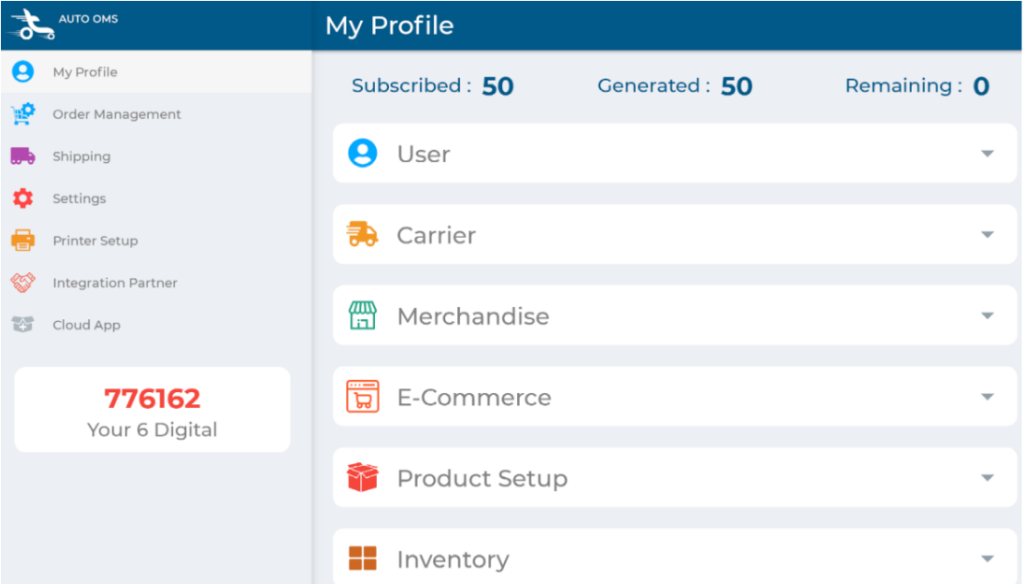
- Launch AutoOMS (already built-in)
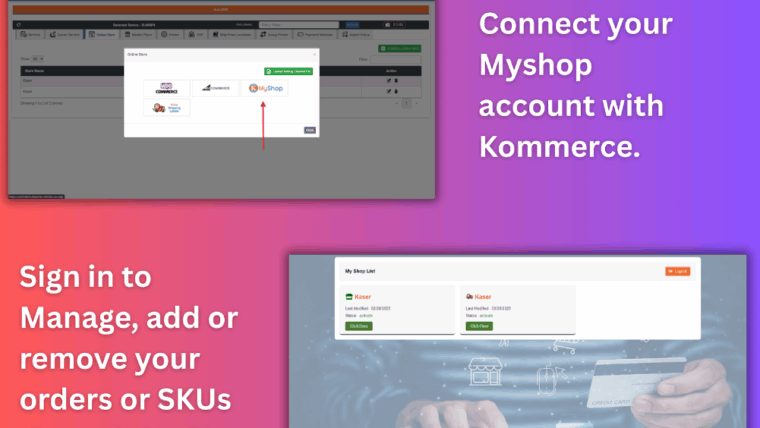
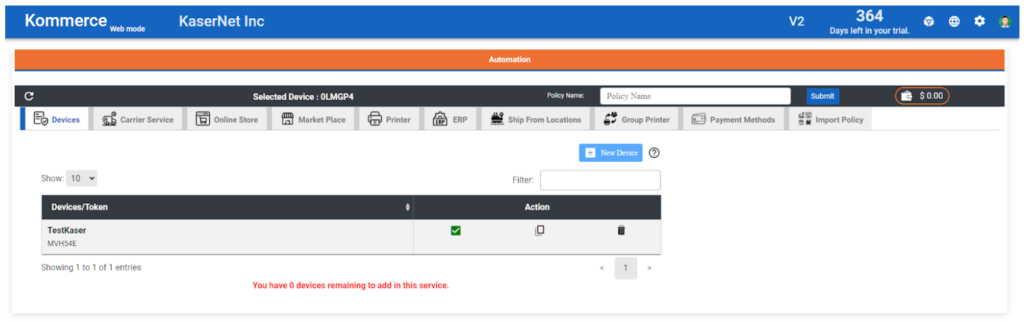
- Link it to Kommerce using the 6-digit code
- Load your labels and… you’re done.
Seriously. That’s it.

🧠 Why Sellers Are Obsessed with AirPrinter
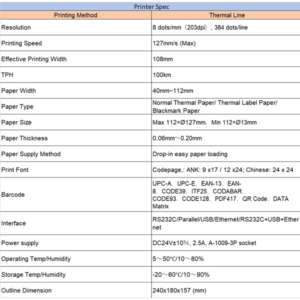
✅ Built-in thermal printer—no external printer needed
✅ PC-free operation—complete order-to-label process from one device
✅ Instant invoice and label printing
✅ Integrated with Kommerce and AutoOMS
✅ One-time purchase—no monthly fees or third-party software
And it’s not just for labels. You can also:
- 🧾 Print invoices and order summaries
- 🏷️ Generate product tags and custom signage
- 📋 Run reports or inventory logs
All from one device that fits neatly on your desk or fulfillment station.
🚀 Who Should Be Using AirPrinter?
AirPrinter is built for:
- 🛒 Shopify or WooCommerce sellers are tired of slow workflows
- 📦 Fulfillment centers that need speed and simplicity
- 🧑💻 Small teams that want less tech and more automation
- 💼 Business owners looking to ditch subscriptions and extra hardware
If you’re shipping 20–300+ orders a day, AirPrinter is your new best friend.
💥 AirPrinter vs. The Old Way
| Feature | AirPrinter | Traditional Setup |
| Built-in Printing | ✅ Yes | ❌ Requires an external printer |
| PC Needed | ❌ No | ✅ Yes |
| Real-Time Order Mapping | ✅ Built-in | ❌ Manual syncing required |
| Label + Invoice Printing | ✅ Multiple types | ❌ Usually label-only |
| Monthly Software Fees | ❌ None | ✅ Often required |
Why juggle 4 devices when one AirPrinter does it all?
🔁 Part of the Ultimate Fulfillment Trio
AirPrinter works beautifully on its own, but when you pair it with:
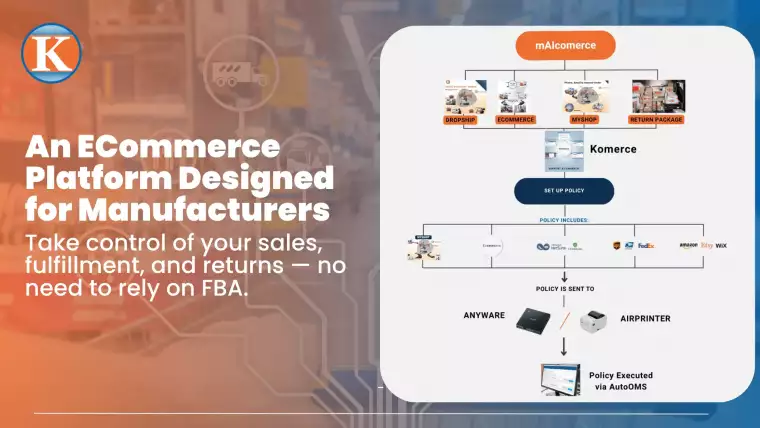
- AutoOMS – for smart order management
- Kommerce – for marketplace and carrier integration
- AirPrinter – for seamless printing
…you get a truly automatic fulfillment setup.
No lag. No chaos. Just print, pack, and ship.
🛒 Ready to Make Fulfillment Easy?
If you’re still battling desktop crashes, outdated printers, or shipping delays—it’s time to level up.
👉 Explore AirPrinter at Kasernet.com
📧 Or request a demo at sales@kasernet.com
No fluff. No setup nightmares.
Just one device, one workflow, and a fulfillment game that moves as fast as your business.