
Why Smart Sellers Are Plugging Into Anyware to Level Up Fulfillment in 2025

Still firing up a full PC just to print a label or check an order status?
Still losing time on syncing, logging in, and switching between platforms just to ship a package?

That’s exactly why we built Anyware.
This device isn’t just a gadget—it’s a game-changer for how fulfillment gets done in 2025.
🤯 The Problem: Shipping Shouldn’t Be This Complicated

Here’s what fulfillment usually looks like:

✅ Boot up your PC
✅ Log into 3 platforms
✅ Copy-paste order info
✅ Cross-check inventory
✅ Open shipping software
✅ Hope your label prints
✅ Try not to scream

It’s a mess of tabs, errors, and wasted time.

Anyware says: “Nah. Let’s simplify.”

⚙️ What Is Anyware?

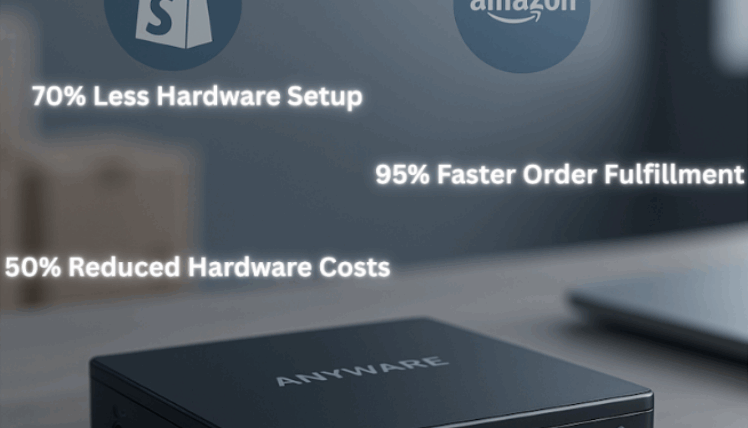
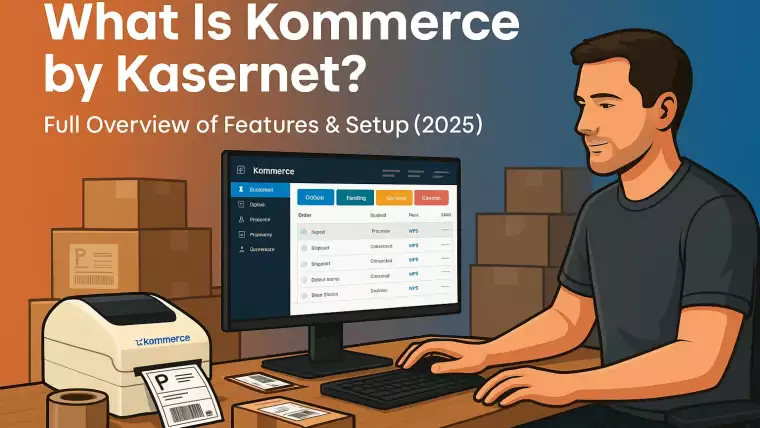
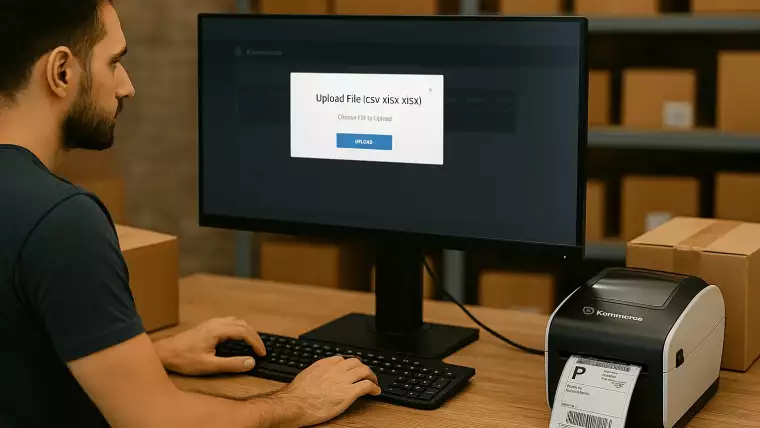
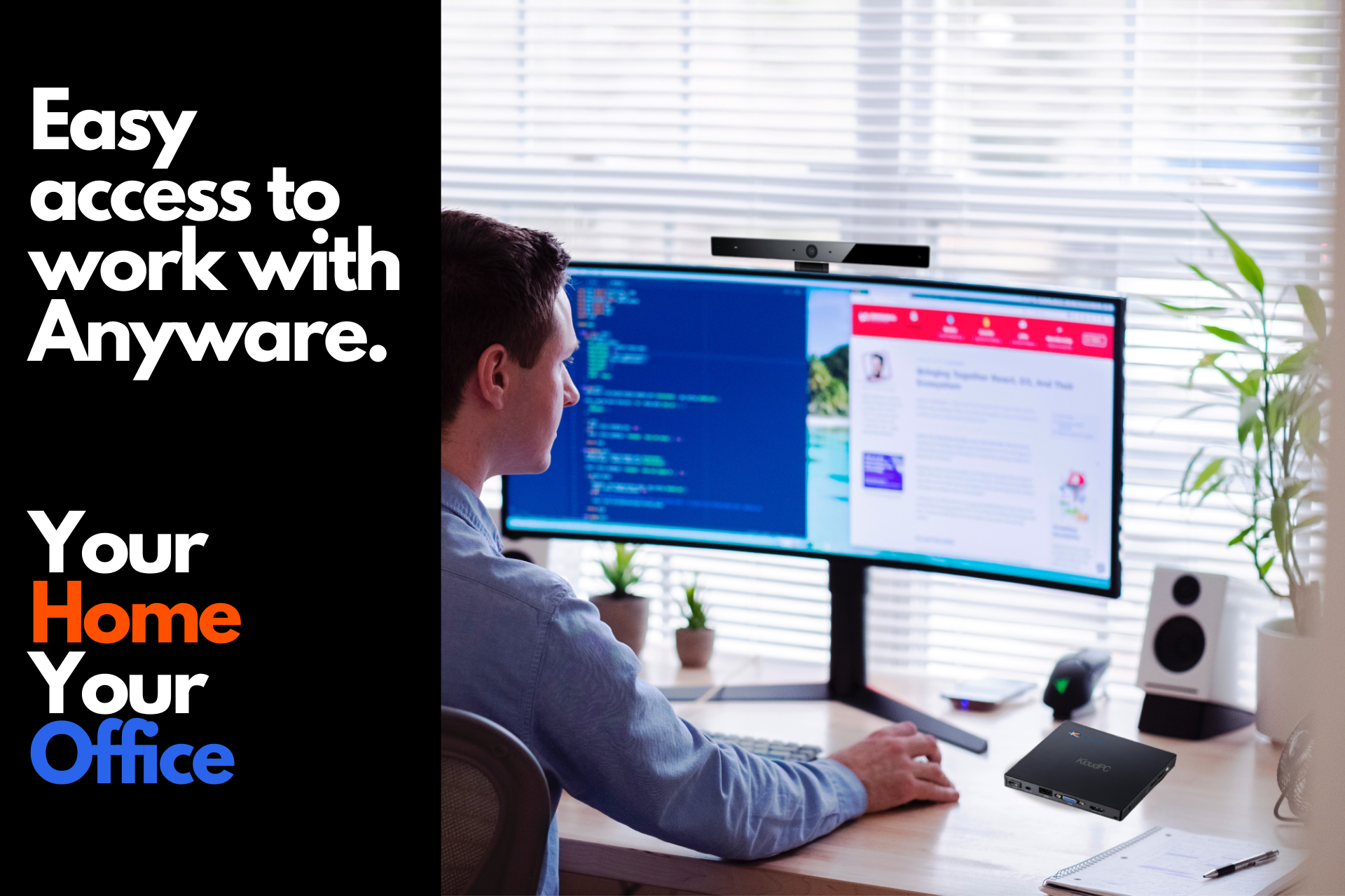
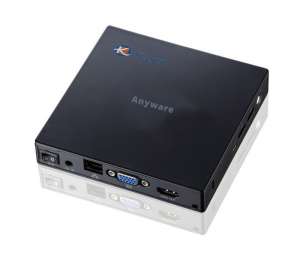
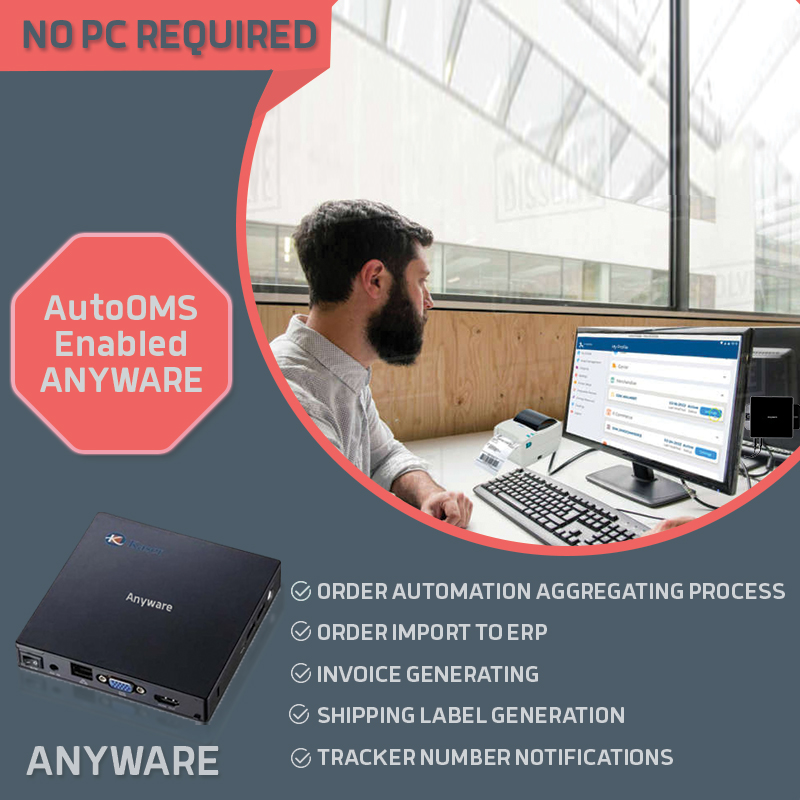
Anyware is a plug-and-play device that replaces your entire fulfillment workstation.
Just plug in a monitor, mouse, and keyboard—and boom—you’ve got:

  • 💡 Access to Kommerce, AutoOMS, and your entire fulfillment stack
  • 🖨️ Label printing (via any thermal printer you already use)
  • 🔁 Real-time order syncing
  • 📦 Multi-carrier shipping integration
  • 🧠 Automated order processing with zero PC needed
    It’s your shipping command center in one portable device—small enough to fit in your hand, powerful enough to run your ops.

🔌 Setup So Simple, It Feels Illegal

Here’s what it takes to get started:

  1. Plug in power, monitor, mouse, keyboard
  2. Connect to Wi-Fi
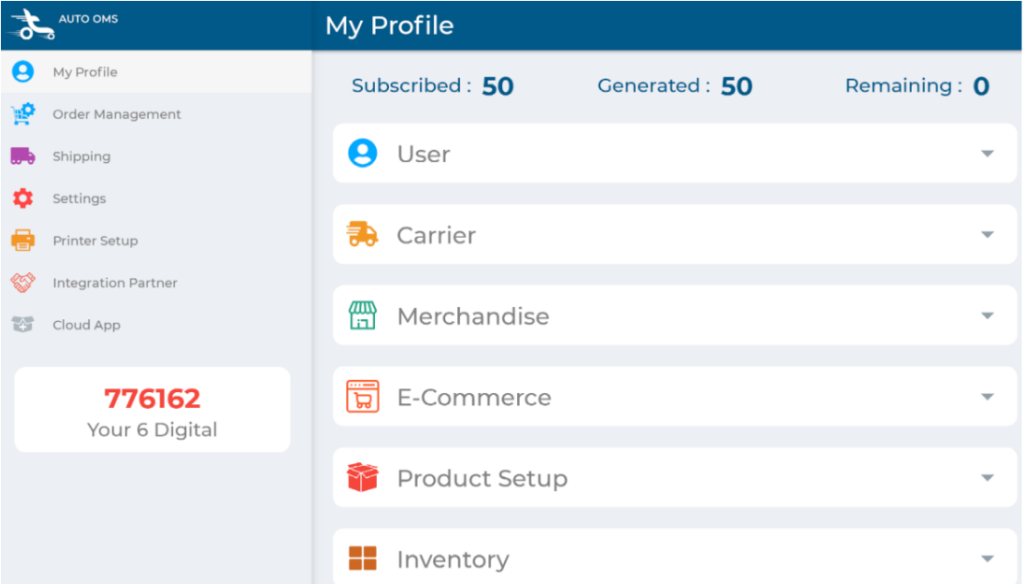
  3. Activate AutoOMS
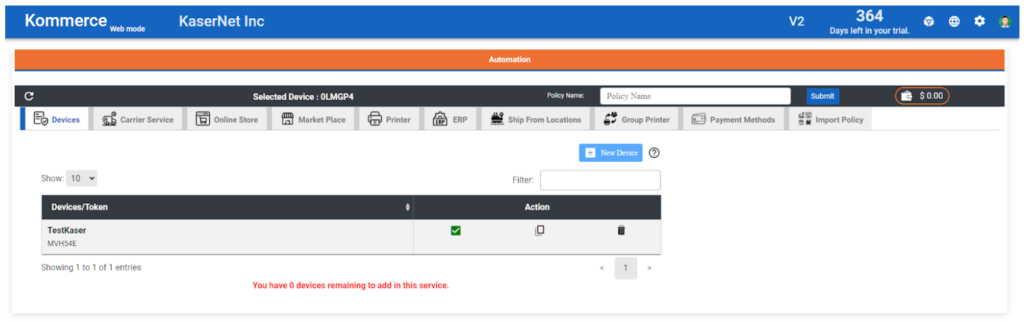
  4. Link it to Kommerce using the 6-digit code
  5. Done. Fulfillment, activated.

No downloads. No IT department. No delays.

🧠 Why Sellers Love Anyware

Runs without a computer
Works with multiple listed thermal Printers – Brothers, SPRT, BIXOLON, and more
Built-in AutoOMS for automated order handling
Connects to Shopify, Amazon, eBay, and more via Kommerce
One-time hardware cost—no subscription drama

And did we mention it’s fast?
Like, “100+ labels in minutes” fast.

💡 Who Is Anyware For?

Anyware is the secret weapon for:

  • 🛒 Shopify stores doing 20–200+ orders a day
  • 🚚 Fulfillment centers looking to simplify their setup
  • 💼 Businesses scaling up without hiring more staff
  • 🧰 Anyone tired of tech headaches and monthly software fees

Whether you’re running operations from a warehouse or your garage, Anyware gives you fulfillment superpowers without the clutter.

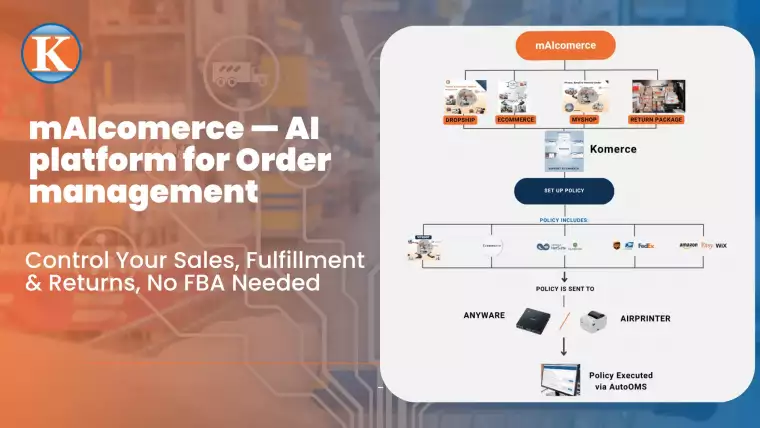
🔄 The Real Power: Kommerce + AutoOMS + Anyware

When you pair Anyware with Kommerce and AutoOMS, the magic happens.

  • 📦 Kommerce: Handles the policies and platform integrations
  • 🤖 AutoOMS: Executes all the backend fulfillment logic
  • 💻 Anyware: Hosts the entire experience—no PC needed
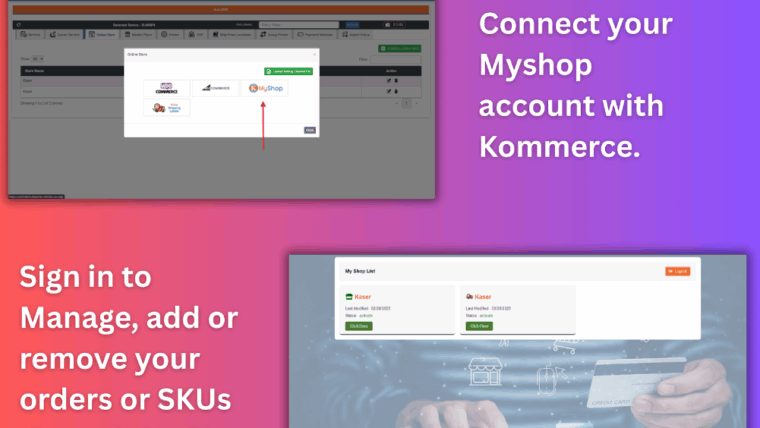
  • MyShop

Together, they replace tabs, tools, delays, and human error with one streamlined system.

🚀 Ready to Ditch the Old Setup?

Anyware isn’t just a device—it’s peace of mind in a plug-and-play box.

👉 Explore Anyware at Kasernet.com
📧 Or contact us for a demo: sales@kasernet.com

Work faster. Work smarter. Work Anyware.
No fluff. Just shipping done right.
Anyware

Anyware: A Dedicated AutoOMS Shipping Solution

No PC Required – Just Plug in & Automate!

Anyware is a powerful, compact device that transforms business operations. Preinstalled with AutoOMS, it automates order fulfillment, inventory tracking, and shipping processes without needing a complete PC setup.
Simply connect a monitor, keyboard, and mouse, and you’re ready to manage orders, process shipments, and sync with Kommerce in real time.

Why Anyware?

No CPU – Minimal setup for maximum efficiency.
Preinstalled AutoOMS – A dedicated hardware solution for automated fulfillment.
Seamless Cloud Integration – Works with Kommerce, ERPs, and marketplaces.
Smart Inventory Syncing – Ensures stock levels remain accurate across all platforms.
Fast Order Processing – Automates fetching, processing, and shipping.
Error-Free Operations – Eliminates manual data entry and reduces human errors.

How Anyware Works with Kommerce & AutoOMS

Set Up in Kommerce – Configure stores, shipping rules, payment methods, and inventory.
Import Pre-Defined Policies – Use Kasernet’s Credentials App to import policies directly into Kommerce.
Plug & Play Execution – Connect Anyware and let AutoOMS automate fulfillment based on Kommerce rules.

Designed for Industry-Wide Efficiency

Anyware is built to optimize order processing, inventory management, and logistics for:
E-Commerce & Retail – Automate orders from Shopify, Amazon, Etsy & more.
Warehousing & Logistics – Improve label printing & supply chain automation.
Manufacturers & Distributors – Sync inventory & shipping for bulk orders.

Scale Your Business with Anyware

Eliminate costly hardware, reduce manual errors, and streamline your entire order fulfillment process.With AutoOMS & Kommerce, Anyware is your all-in-one automation hub for modern business operations.

Get Started with Anyware Today!

Try Anyware and experience a smarter way to manage your business operations.

FAQ Anyware

Frequently Asked Questions

Anyware FAQ

What is the purpose of the Anyware?
The Anyware is designed for e-shop merchants to automate their operations, eliminating the need for a traditional PC. 
Who uses Anyware?

Anyware is used by E-shop merchants to automate their operations.

Sounds cool. What can it do?

Here are the tasks this little device can offer to assist you in: 

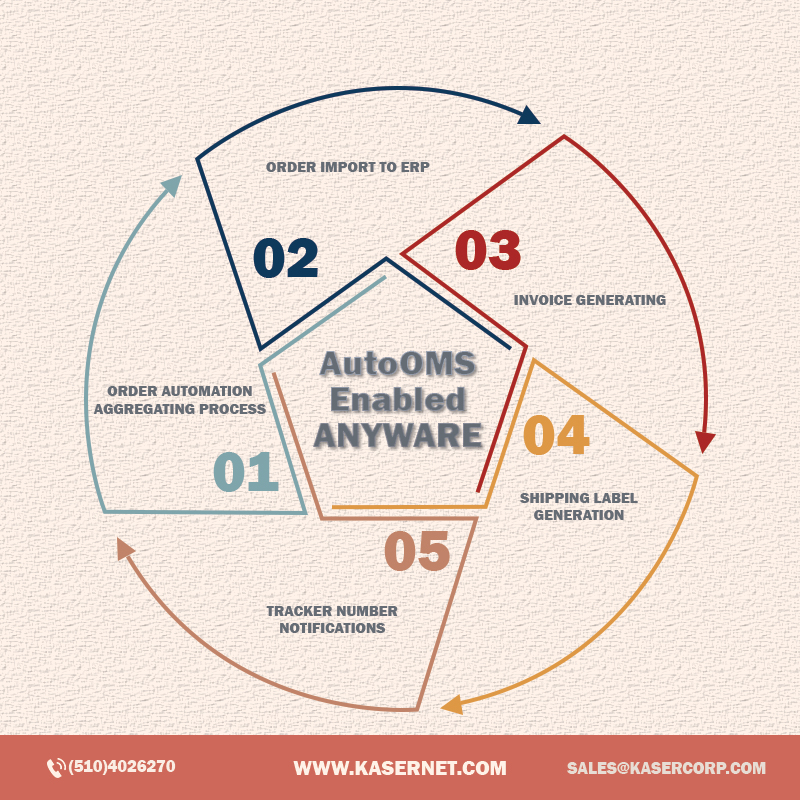
  1. Forwarding orders to ERP systems to save data entry. 
  2. Generating shipping labels automatically. No manual entry is required. 
  3. Sending the tracking number to clients after shipping. 
  4. RMA (import as order) is supported as well. 
  5. Save more Manpower than you can imagine! 
  6. Fetching Data automatically.
Which platforms are supported by your Automation system?

Our system supports major platforms, including Amazon, Etsy, eBay, Walmart, and other popular e-commerce stores.

How does Online Order Automation support work?

It digitizes your order management process, handling incoming orders automatically and enabling you to focus on scaling your business without manual intervention.

Can Automation handle multiple orders in a single day?

Absolutely! Our automation system efficiently processes large orders, ensuring timely management and fulfillment.

Does your system support offline order management?

Yes, we offer offline order support to streamline operations and maintain consistent order processing for both online and offline requests.

Does the Anyware require a computer to operate?

No, the Anyware operates without requiring a PC.

What are the benefits of using Anyware?

Key benefits include reduced workload, minimized human errors, faster order processing, and cost savings, giving you more time to focus on growth and customer satisfaction.

What platforms and carriers does the AirPrinter support?

It supports multiple carriers, including UPS, FedEx, USPS, and Amazon. It also integrates with marketplaces like eBay, Walmart, Etsy, and Shopify.

What other tools does Automation support?

Our system integrates with popular ERP tools like QuickBooks and NetSuite, enabling seamless synchronization with accounting and financial systems.

Is customization available?

Yes, we offer customization options to adapt the system to your specific business needs, including personalized workflows, labels, and processes.

How secure is your Automation system?

With robust device registration and secure access controls, your data and operations are protected while ensuring smooth interaction with the platform.

How does the Anyware benefit businesses?

The Anyware saves time, reduces the need for manual work, increases productivity, and minimizes human errors in order processing and shipping.

How does the Anyware improve shipping operations?

The Anyware processes orders, generates shipping labels automatically and sends tracking numbers to clients, streamlining the shipping process.

Frequently Asked Questions

🔧 General Setup

Anyware is a compact, dedicated automation device preinstalled with AutoOMS. It replaces bulky PCs and automates your entire order management lifecycle—from syncing inventory to processing and shipping—by simply connecting a monitor, keyboard, and mouse.

  • Anyware device
  • Monitor (HDMI or VGA)
  • Keyboard & mouse (USB or dongle)
  • Internet connection (Wired or WiFi)
  • Power adapter (included)
  • Your trial or subscription invoice number

Nope! Anyware is a standalone device—no CPU or PC needed.

🌐 Network & Connectivity

Wired LAN: Use a Cat.5 Ethernet cable to connect to your switch/router.
WiFi: Connect to an available network via the settings during first-time setup.

Orange LED (Front): Power status
Green LED (Front): WiFi activity
Yellow LED (Back, Ethernet port): Wired connection established
Green LED (Back, Ethernet port): Data is transmitting

🚀 First-Time Setup

  1. Power on the device.
  2. Write down the 6-digit device code displayed.
  3. Visit Kommerce and enter your invoice number.
  4. Add your device using the 6-digit code.
  5. Import policies via Kasernet’s Credentials App.
  6. Begin managing orders via AutoOMS!

🔁 Integration & Automation

Anyware connects to Kommerce, which acts as your centralized command center. You configure:

  • Stores
  • Shipping rules
  • Payment gateways
  • Inventory levels

Then AutoOMS (inside Anyware) executes everything automatically.

AutoOMS is the order fulfillment engine preinstalled on Anyware. It:

  • Fetches orders from Kommerce and marketplaces
  • Automates label printing
  • Tracks shipments

Syncs inventory in real-time

No installation needed. It’s preinstalled and ready to go!

🔄 Policy Management

Use the Kasernet Credentials App to import policies like:

  • Shipping carrier preferences
  • SKU and payment mappings
  • Location details
  • Fulfillment priorities

These are pushed into Kommerce, and Anyware fetches them automatically.

🏭 Industry Use & Compatibility

Anyware + Kommerce + AutoOMS supports:

  • Shopify, Etsy, Amazon
  • ERPs and marketplace APIs
  • Logistics and warehousing systems
  • E-commerce brands
  • Warehouses and 3PLs
  • Manufacturers & Distributors
  • Retailers needing error-free inventory syncing

🛠️ Maintenance & Troubleshooting

Ensure the power switch is pressed on the back. Check if the orange LED on the front is lit.

Use the small Reset button located near the USB ports.

Yes, use the included VESA mount bracket and screws to attach it to the back of your LCD.

📦 Shipping & Inventory

Yes, via AirPrint-compatible label printers. AutoOMS handles the formatting and printing.

Yes. AutoOMS constantly updates inventory based on actual stock and processed orders.

📲 Support & Help

User Manual (included in box and online)
Online FAQs: www.kasernet.com/faq
Support email: [Insert your support email here]

Absolutely! Just repeat the pairing steps using each device’s 6-digit code and link them under one Kommerce account.

Anyware

Introduction

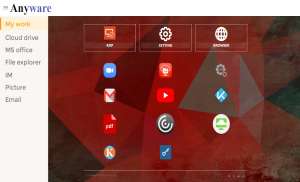
Anyware – A hardware platform to implement the desired feature when proper application is deployed with or without additional other peripheral. It’s a compact device that’s managed by Google EMM. More upcoming features of Anyware are as follows: 

  • Digital signage application
  • Virtual desktop : DaaS/VDI function
  • Airprint : Print shipping label through cloud
Digital Signage Player
Remote Desktop Protocol

Cloud Enterprise Management Service

  • Mobile Application Management
  • Work Profile Management
  • Full Device Management
  • Dedicated Device Management
  • Kiosk Mode
  • Airprint
  • K-guard

Hybrid Phone and Windows Desktop

Consumers PC:
  • General PC features: Communication, General Office Apps, Entertainment
  • Multimedia Player, Entertainment Purpose
Class
Business Users: (local PC and as client for server base)
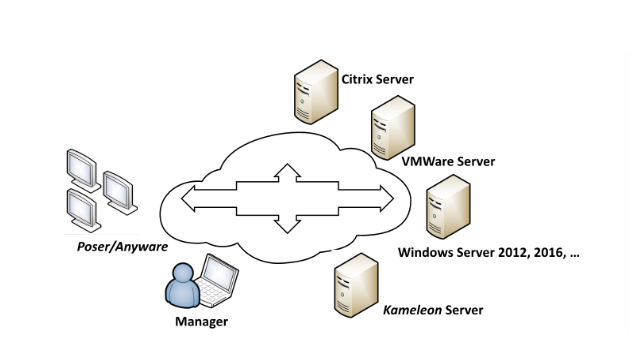
  • Server / VDI Connections: MS RDP, Citrix View, VMware Horizon
  • Local media playback, IM, video conference, and printer server
  • AirPrint to print shipping label
VDI / DaaS application
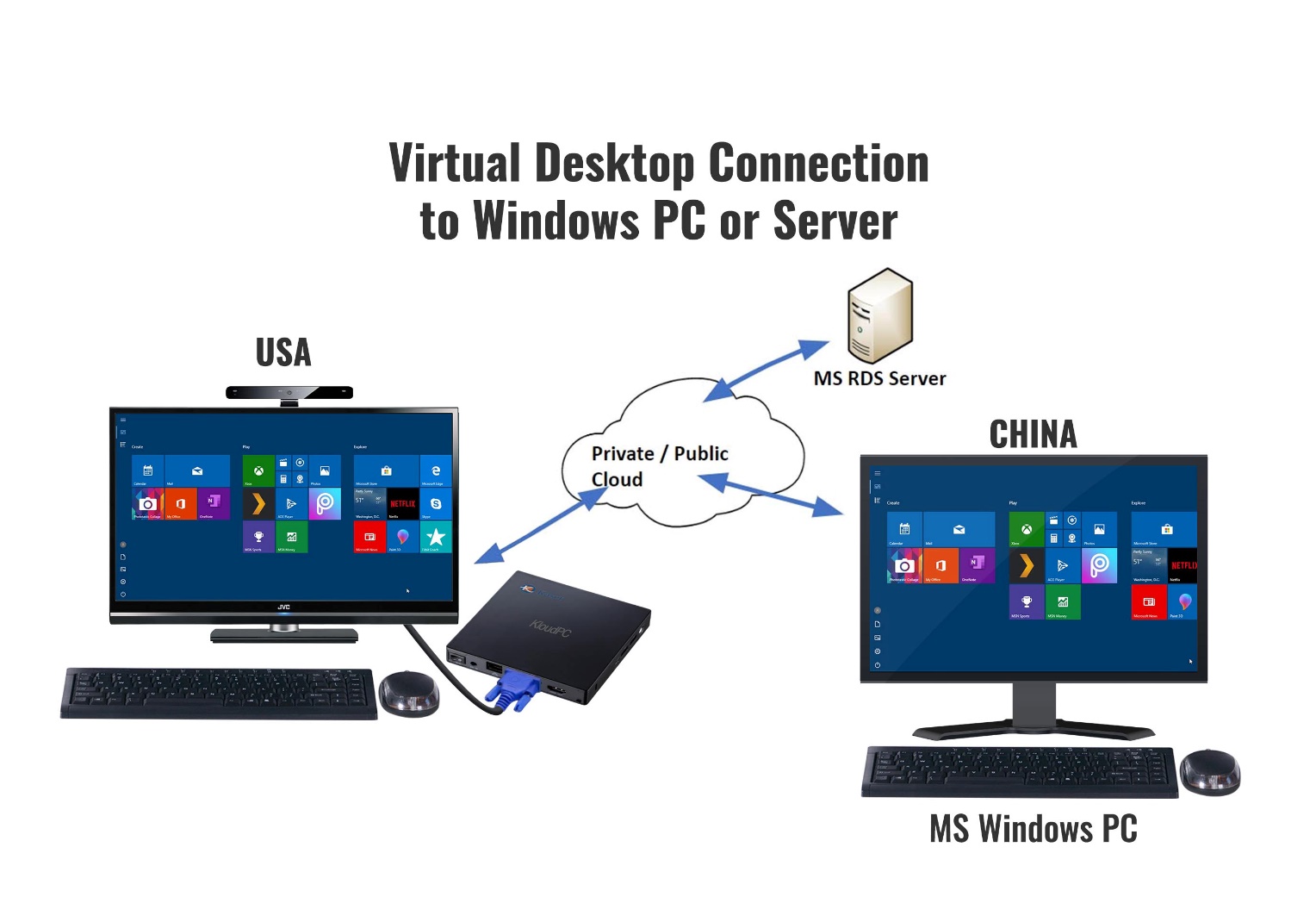
  • Running the RDP (remote desktop protocol) in Anyware to make it the best fit as a client device in VDI/DaaS environment.
  • VDI: Virtual Desktop Infrastructure, is defined as the hosting of desktop environments on a central server. It is a form of desktop virtualization, as the specific desktop images run within virtual machines (VMs) and are delivered to end clients over a network
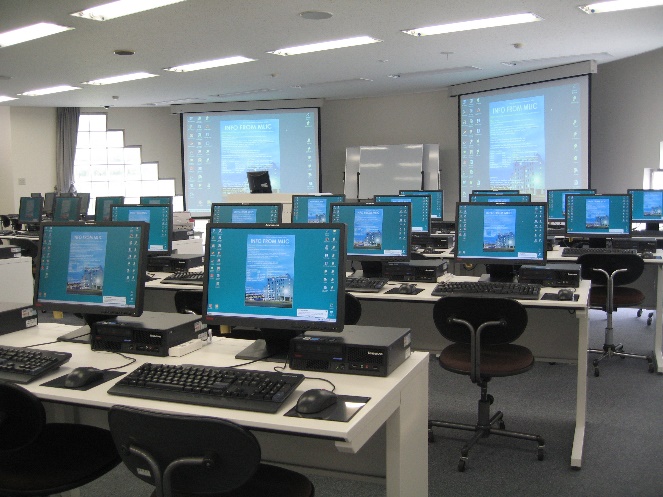
  • Target venue : Office, Business, Working /Learning from home
  • Advance : light client, everything in Cloud. Unique user friendly interface.
Daas Application Remote Desktop Protocol
VDI/DaaS Working in office/home:
  • Remote Desktop
  • Citrix
  • VMware
  • VPN
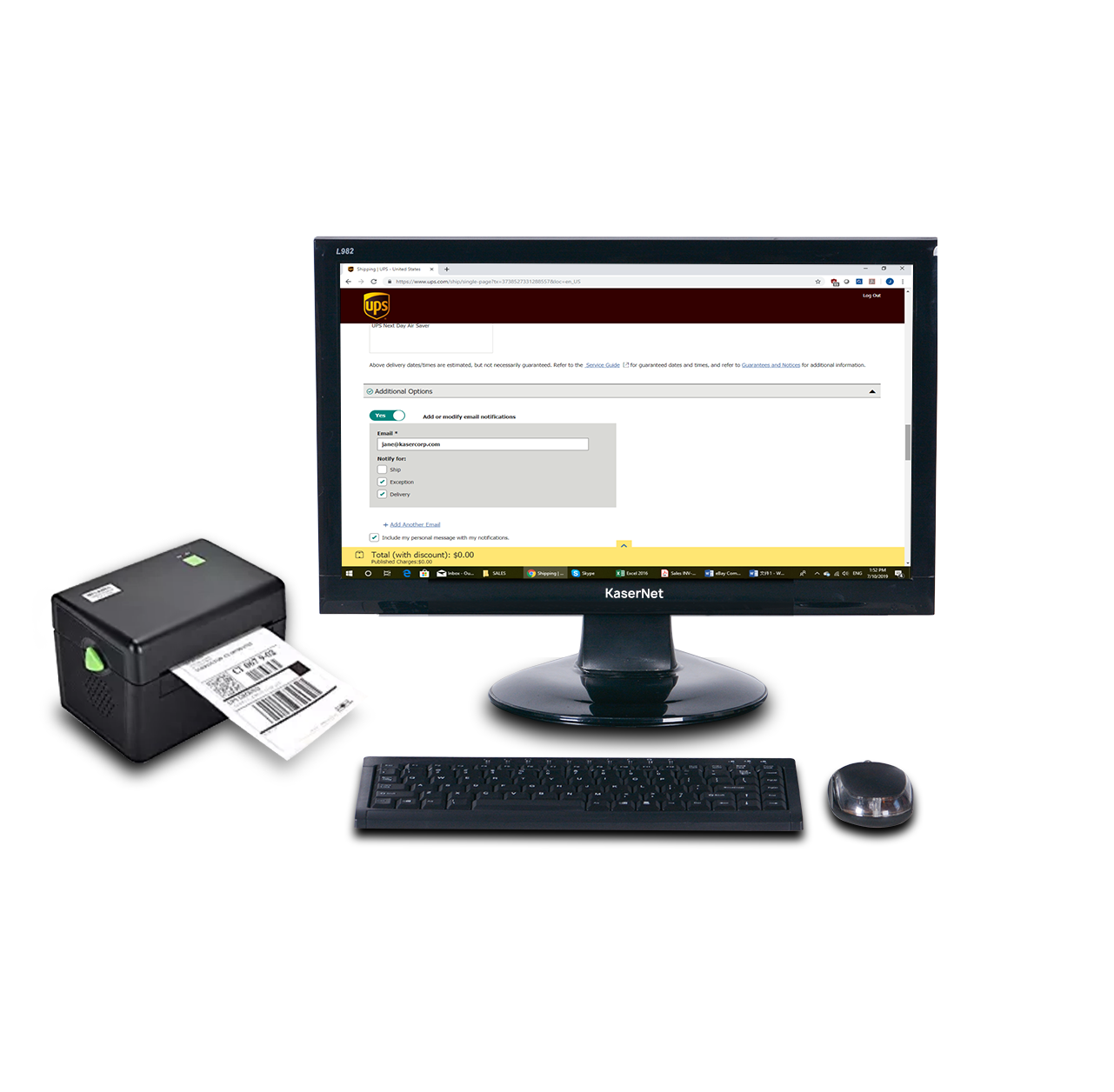
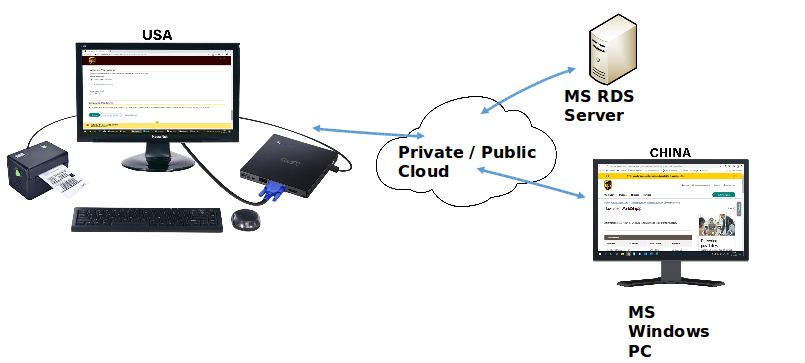
Airprint Print to Cloud
  • Print to remote and assigned printer
  • Special support label and receipt printers
  • Print through cloud to assign and change printers
  • Local print from the UPS/Fedex/USPS ,,,etc
  • Support various printers
  • Target clients: Multi-offices/overseas operation, UPS/Fedex store, e-commerce.

Label Printer: Ship fast by printing labels in house.

Printing labels directly from your business not only saves time, but also saves money. With direct input to the USPS, UPS and DHL you can ship faster!

E-Commerce / Retail:
  • Reduce your overall shipping costs by printing shipping labels direct from your workspace
  • Managing your retail shipping direct from your store allows you to cut out the middle man and ship to your customers faster
Warehouse / Logistics:
  • The KaserNet label printer is fast and effective, allowing you to ship products faster
  • Connect directly with the major shipping networks across America for the best prices on shipping
Medical / Government:
  • Sending confidential government files can be sensitive. Creating your own shipping labels can ensure less people have access to documentation.
  • Medical supplies and blood work can be sent direct from lab for better efficiency.
Other Industries
  • If you have been considering streamlining your shipping process, get in touch with one of our consultants today. The team at KaserNet can show give you a free consultation about how our Label Printer can help your business.

AirPrint-Shipping

Shipping Label made from China and print in USA location to ship

Label Printer By Airprint
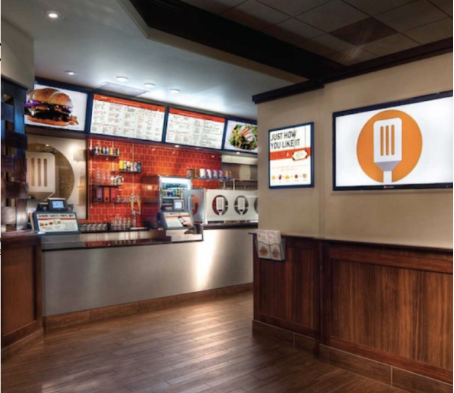
Digital Signage Player
  • Efficient delivery of marketing messages
  • Outside to draw them in
  • Indoor to upsell and retain
  • 2nd display support.
  • Menus can be changed very quickly
  • Manage the menus remotely for multiple locations
  • Improved customer experience
  • Savings on shipping and printing expenditures
  • Good customer entertainment experience
  • Visually appealing
  • Clearer communication
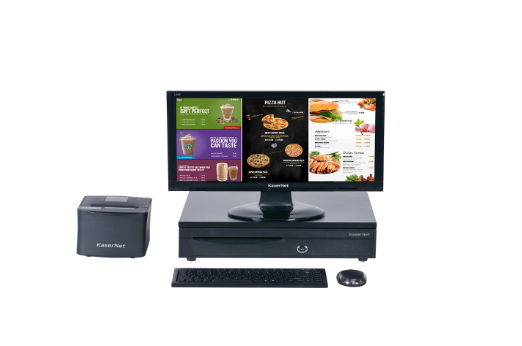
POS Devices:
  • Support cloud-based POS application.
  • Local/Networking receipt printer support.
  • Touch monitor, scanner, cash drawer, etc support.
  • 2nd display support.
Video Conference
Application VDI RDP

Video Teaching

Main Office

Client

General Features

  • A Compact Mini Desktop PC with Powerful ARM-based SoC and GPU
  • VGA / HDMI Display up to 2K, 32-bit Color
  • Ultra Low Power Consumption (less than 5W)
  • Fanless Design and Compact Chassis with VESA Mount Support
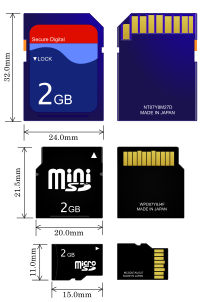
  • Rich I/O: USB 2.0 Host x 4, Client x 1, VGA / HDMI, TF Card Reader x 1, COM x 3 (optional)
  • Comes Standard with 802.11b/g/n WLAN, 10/100/1000GE x 1 and BLE 4.2 with Beacon Support
  • As a Print Server by Sharing All Connected Printers to Desktop PC & Mobile Devices
  • Android OS.
  • Supports Remote Desktop connections to MS Windows 2008, 2012 servers and Windows 7 Pro, 8.1 Pro, 10 Pro via RDP Protocol
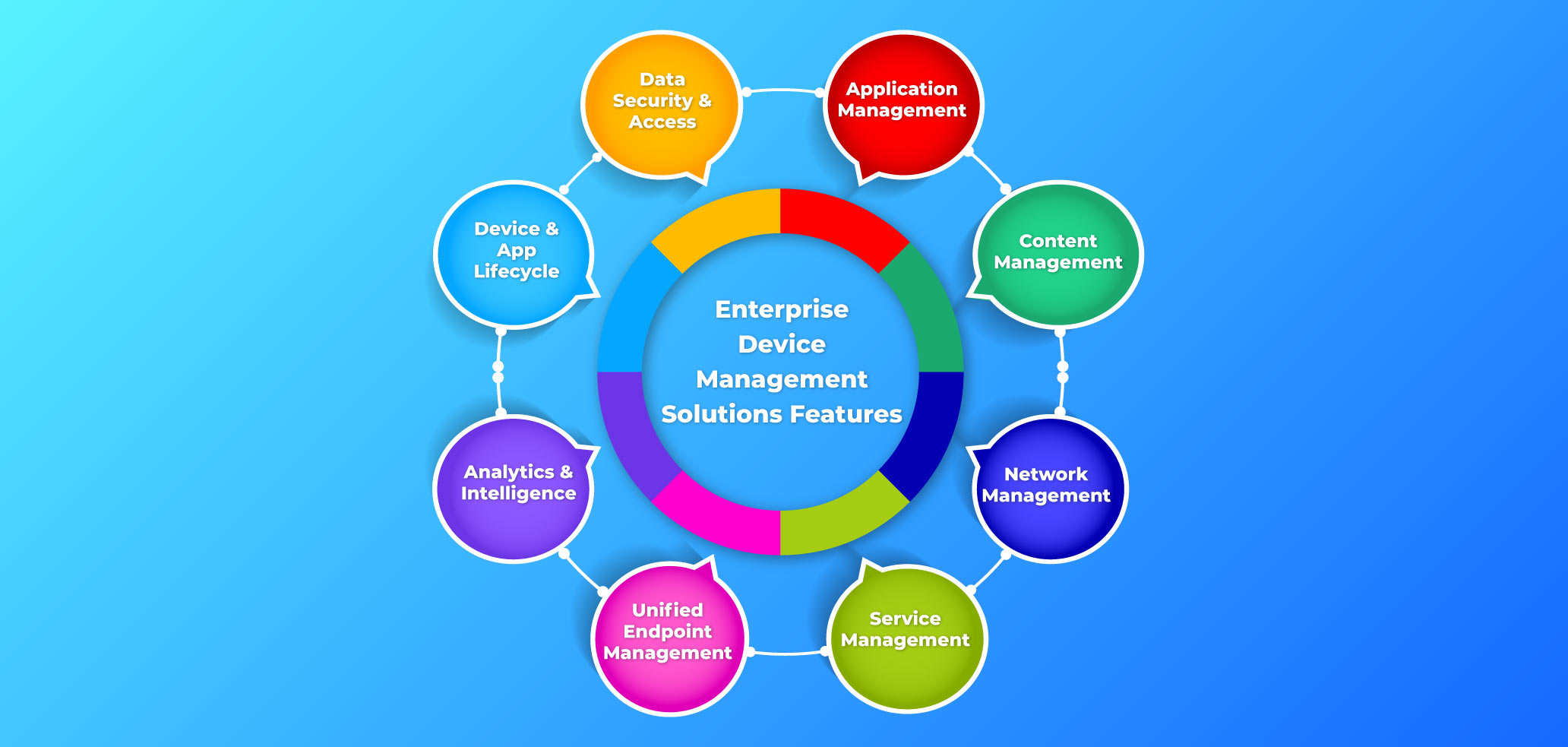
  • Enterprise Device  Management (EDM) service control from the cloud.
  • Netfence /GeoFencing support to control the non-necessary connection.
  • Rich Set of Application Software accessible from Google Play and Public Cloud, which makes Poser/Anyware suitable for use in Commercial (Digital signage, Kiosk, POS, …), Industrial, Office, Classroom, and Home environment.

Recommended Accessories

Accessories
  • HD Communication Camera
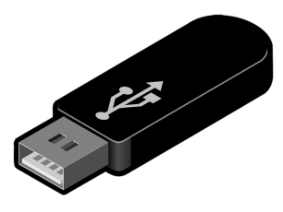
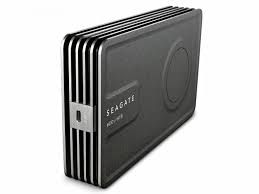
  • USB HDD / Flash Drive / SD/TF Card
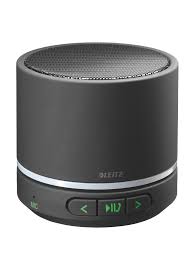
  • Bluetooth / USB Speakers
Benefits
  • Video Recording & Picture Taking
  • Video call
  • Storage and Transfer of Multimedia Contents
  • Internet radio /Pandora listening without TV

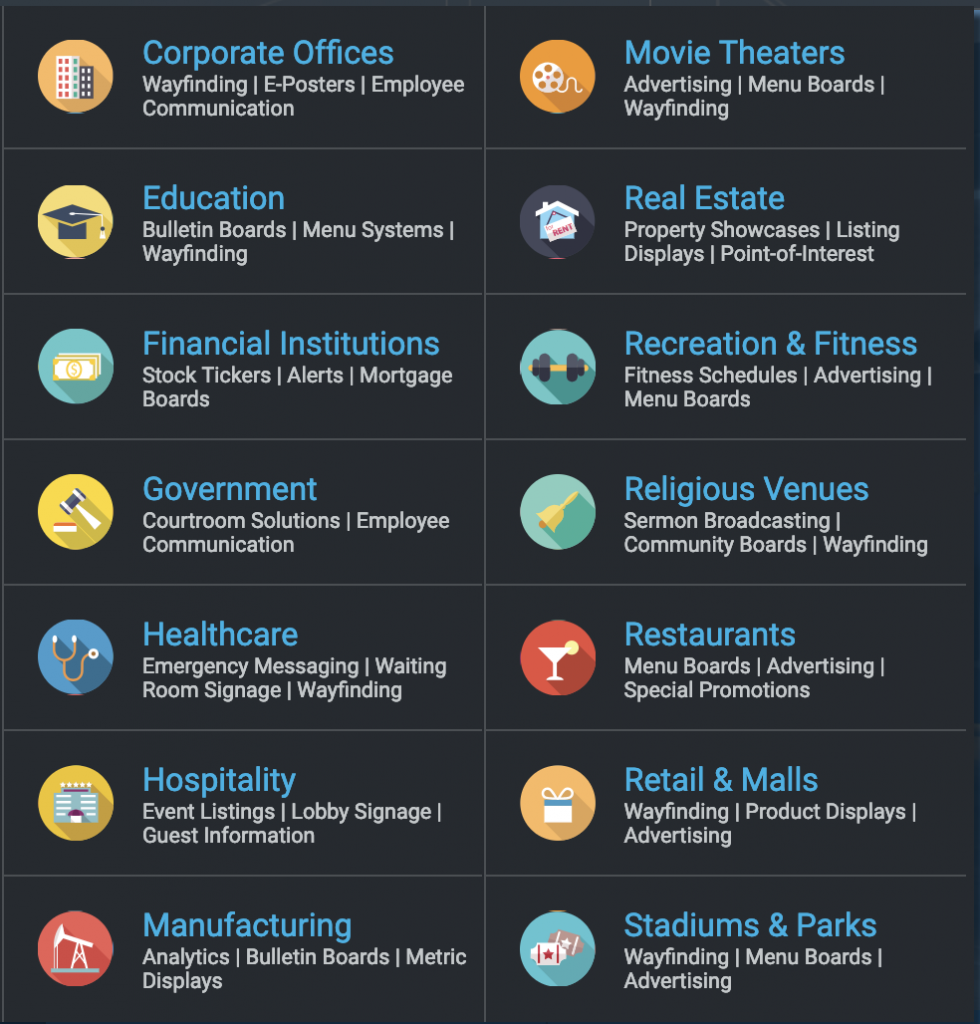
Future Industries For Consideration