
One of the most powerful features of Kommerce by Kasernet is its ability to fully automate ecommerce operations — from carrier services and online store connections to payment setup and device management.
In this guide, we’ll walk you through how to import your policy into Kommerce using your Credentials App export, streamlining your fulfillment and automation setup in minutes.
🧠 What Is a Policy File?
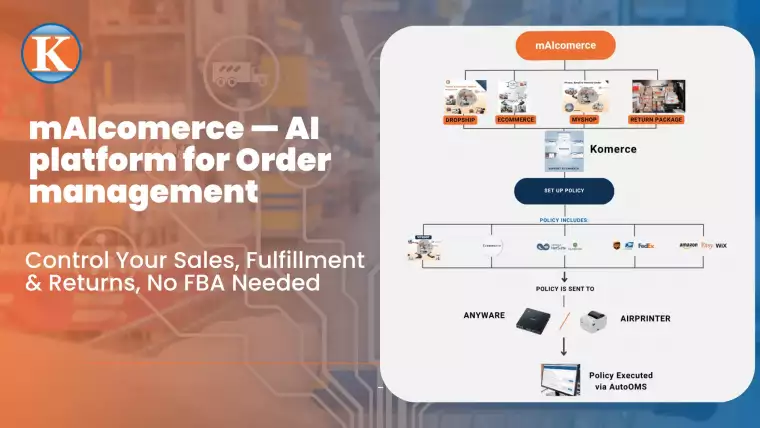
Your “policy file” is a single automation configuration exported from the Credentials App. It includes:
Shipping carrier preferences (e.g., UPS, USPS, FedEx)
Connected online stores (e.g., WooCommerce, Shopify)
Payment methods
Device mappings (AirPrinter, Anyware, Group Printer)
Auto-mapping rules for order fields (e.g., reference #, name, date)
This file helps you skip the manual setup and ensures your entire order flow is consistent and automated.
📥 How to Import the Policy into Kommerce
Step 1: Open Kommerce and navigate to the “Import Policy” tab
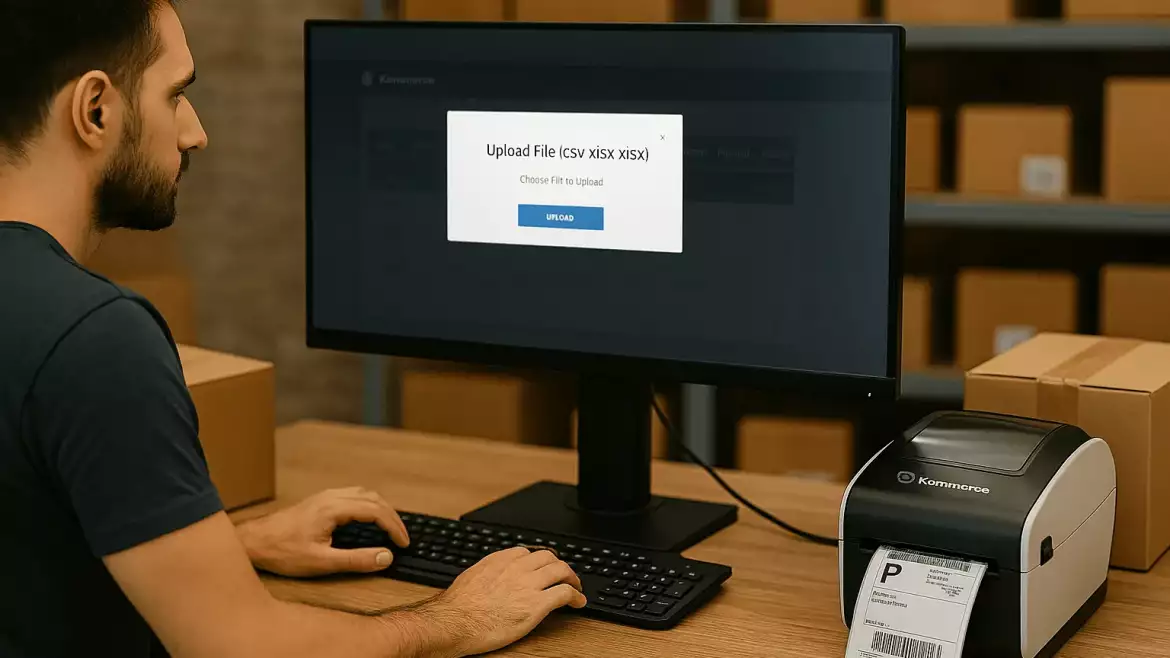
Step 2: Click “Choose File” and upload your exported policy from the Credentials App (default file name: automation data)
Step 3: Click “View” to confirm the imported data. You’ll see:
✅ Your added carrier services (e.g., UPS, USPS)
✅ Online store integrations (e.g., WooCommerce, Print Shipping)
✅ Payment methods (e.g., credit cards or PayPal)
✅ Order mapping fields (e.g., column A for reference #, B for name, etc.)
Note: This imported data is view-only. If you need to make changes, simply create and export a new policy file from the Credentials App.
💡 What Happens After Importing?
Once your policy is imported:
You can link and activate your Anyware device(s)
Your automation settings apply across Kommerce instantly
Any new store orders will be processed according to your auto groups and mapped policy
Label printing, inventory sync, shipping, and tracking are all handled seamlessly
No more repetitive setup. No more missed orders. Just consistent automation from the factory floor to the customer’s door.
Tip: Use Policy Imports to Scale Fast
Whether you’re onboarding new fulfillment locations, expanding sales channels, or launching seasonal stores — simply export and re-import your policy file across Kommerce instances. This ensures fast setup and consistent logic, everywhere.
🚀 Ready to Get Started?
Skip the clunky spreadsheets and overkill software.
With Kommerce, fulfillment is finally simple, smart, and scalable.
👉 Learn more at Kasernet.com
📧 Or reach out for a free demo: sales@kasernet.com
No fluff. No overwhelm. Just fulfillment that works.