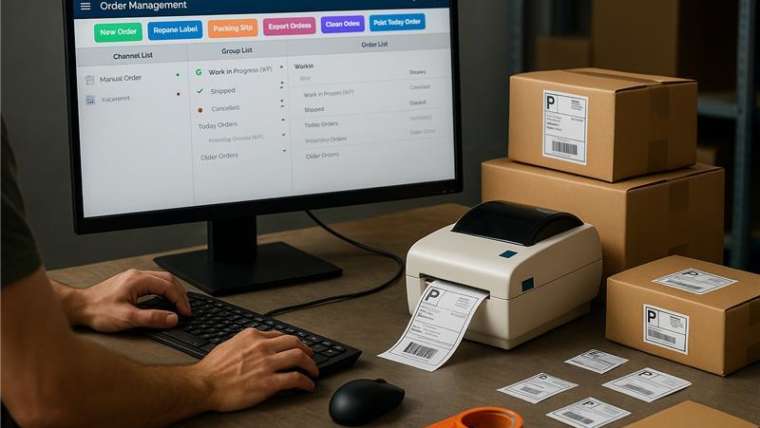

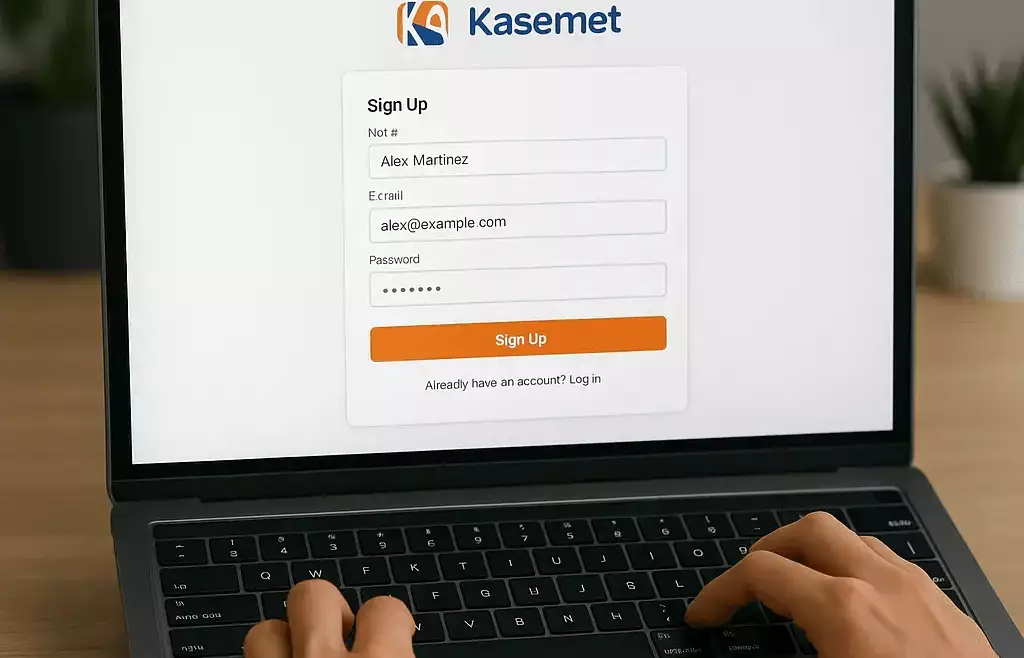
Starting your automation journey with Kasernet and mAIcomerce? Great choice! Before you can access tools like Kommerce, MyShop, and AutoOMS, you’ll need to create your corporate Kasernet account.
This short guide walks you through the process of account creation and email verification step by step.
👤 Step 1: Go to kasernet.com
Visit the official website and click the Start Now button on the top right of the homepage.
📝 Step 2: Choose a Free Trial
Once you’re on the business service plans page, scroll down to find the Free Trial option under automation or Netcast plans. Click on it to begin.
🧾 Step 3: Fill Out the Account Creation Form
You’ll now land on the Corporate Account creation page. Fill in the required details, including:
Company name
Primary and backup email addresses
Contact person’s name
Region and industry
Business role
Once done, hit the Submit button.
📧 Step 4: Verify Your Emails
You’ll be redirected to a verification page where you’re asked to confirm both your primary and backup email addresses using OTP (One-Time Password) codes sent to your inboxes.
Check both email accounts
Enter the OTP codes on the Kasernet site
Confirm each email to complete the process
✅ That’s It! You’re Now a Verified Member
Once verified, you’re officially a Kasernet member and can proceed to:
Download the Credentials App
Access MyShop, Kommerce, and other tools
Start setting up your automation policies
Connect your store, printer, warehouse, and shipping systems
🚀 Ready to Get Started?
Skip the clunky spreadsheets and overkill software.
With Kommerce, fulfillment is finally simple, smart, and scalable.
👉 Learn more at Kasernet.com
📧 Or reach out for a free demo: sales@kasernet.com
No fluff. No overwhelm. Just fulfillment that works.